Skip to content
OneOfZero

Managed Microsoft 365

Microsoft 365, managed as one accountable system.

Email and collaboration, identity, devices, backup and support—scoped to your business and managed by one team.

  • Designed for growing New Zealand businesses
  • Scope confirmed in writing
  • One accountable team
  • Keep email, Teams and shared work organised and managed.

    Scope depends on your plan.

  • Protect access with secure identities and multifactor authentication.

    Scope depends on your plan.

  • Apply security and management controls across business devices.

    Scope depends on your plan.

  • Protect Microsoft 365 information and support recovery when required.

    Scope depends on your plan.

  • Get ongoing help, administration and regular service oversight.

    Scope depends on your plan.

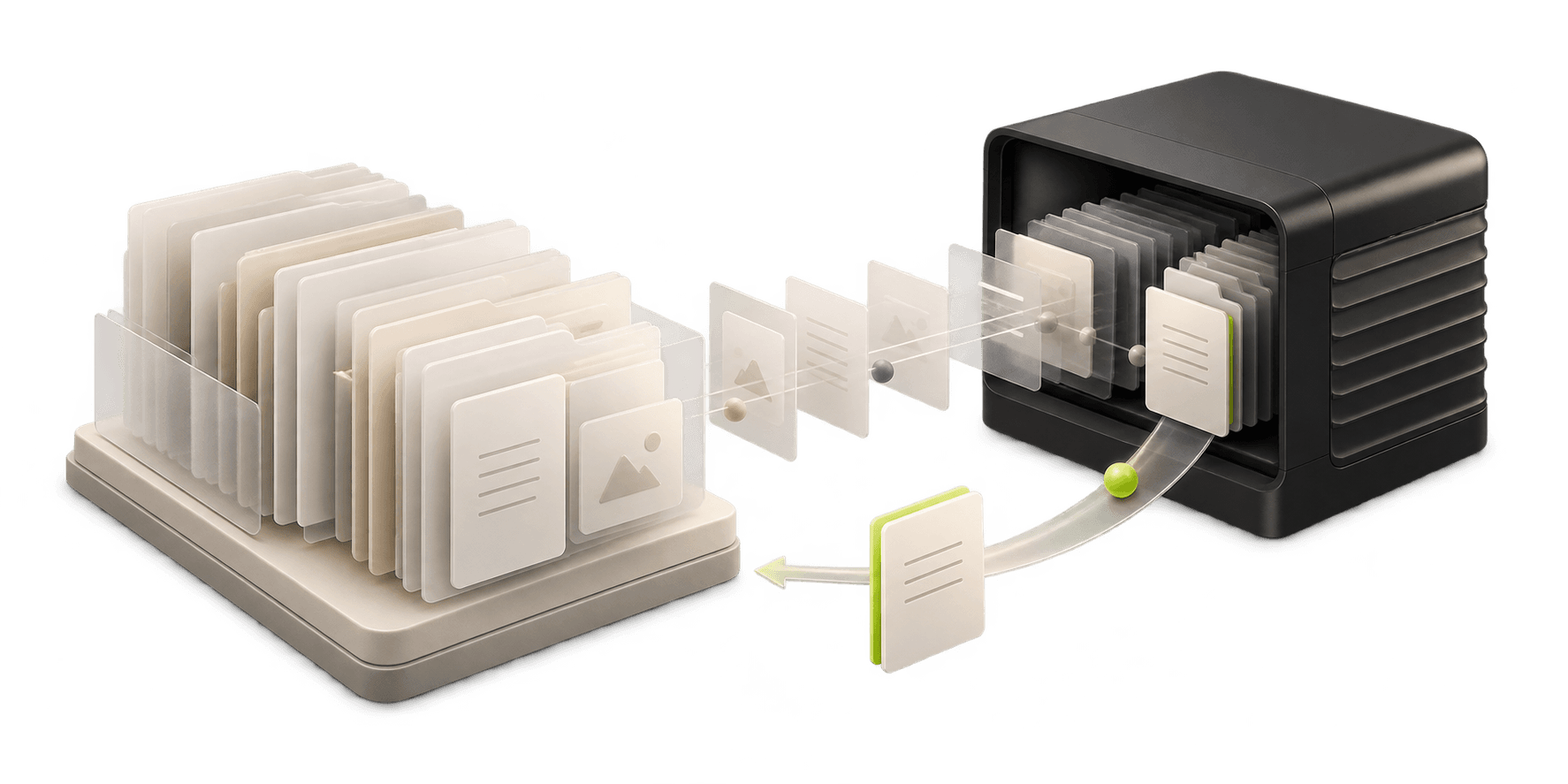
Illustrative system object showing identity, collaboration, managed devices, backup and support connecting to one accountable OneOfZero management layer.

Outcomes

Secure, recoverable and supported.

Scope depends on your plan.

Scope depends on your plan.

  1. Secure

    Stronger sign-in, email and device controls, set up and kept under management.

  2. Recoverable

    Important Microsoft 365 data backed up, monitored and restore-tested.

  3. Supported

    One accountable team for licences, people changes and everyday questions.

These describe how the service is designed. No service can guarantee security, compliance, uptime or the recovery of every item.

Resilience Onboarding Review

See what the review finds.

One page shows what to look at first. Each finding carries its evidence and an owner decision, then a First, Next, Then plan.

Illustrative example using synthetic information. Actual findings depend on your Microsoft 365 environment.

See the full sample report

Sample one-page summary

Sample report · Synthetic data, not a client

  • User and former-staff access

    Priority

    Address first

  • Administrator roles

    Review

    Confirm, then decide

  • Email protection and domain authentication

    No immediate concern

    Keep under periodic check

Example finding and evidence

A former-staff account appears to remain enabled

Priority
Account status
Enabled
Employment end date
Supplied by the owner
Last sign-in recorded
After the stated end date
Licence
Still assigned

Owner decision

Confirm whether this person has left and whether the account should stay.

Prioritised onboarding plan

  1. First

    Priority items

  2. Next

    Sign-in and roles

  3. Then

    Sharing and licences

Managed plans

Three plans. One accountable team.

Choose the level of care that fits. We confirm the plan and price with you after the Fit Call.

  1. Cover level 1 of 3

    Microsoft 365 Essentials

    Core tenant and licence administration

    • Works with Business Basic, Standard or Premium licences
    • Licence administration and basic tenant setup
    • Limited user onboarding and offboarding

    Licence: Business Basic, Standard or Premium

  2. Recommended
    Cover level 2 of 3

    Secure & Recover

    Adds managed security, backup, recovery and ongoing support

    Everything in Essentials

    • Complete Resilience Onboarding Review
    • Backup & Recovery for Microsoft 365, with quarterly restore tests
    • Identity, email, Intune and Defender security managed

    Licence: Business Premium required

  3. Cover level 3 of 3

    Managed Workplace

    Adds device enrolment, endpoint management and broader prioritised support

    Everything in Secure & Recover

    • Device enrolment and agreed endpoint management
    • Endpoint monitoring and patch oversight
    • Broader fair-use remote IT support

    Licence: Business Premium required

Licence charges are separate from OneOfZero's management fee. Essentials works with Business Basic, Standard or Premium, depending on your agreed requirements. Secure & Recover and Managed Workplace require Business Premium. Licensing arrangements are confirmed in your written proposal.

Founding programme

Founding Microsoft 365 Resilience Review

  • Five complimentary places
  • For eligible NZ businesses with 5–25 Microsoft 365 users
  • Owner or decision-maker attends
  • Written authorisation before tenant access
  • 45-minute findings briefing

You are under no obligation to buy a plan or anything else.

View Founding Review

Beyond Microsoft 365

More ways we help small businesses.

View all services

Website Development

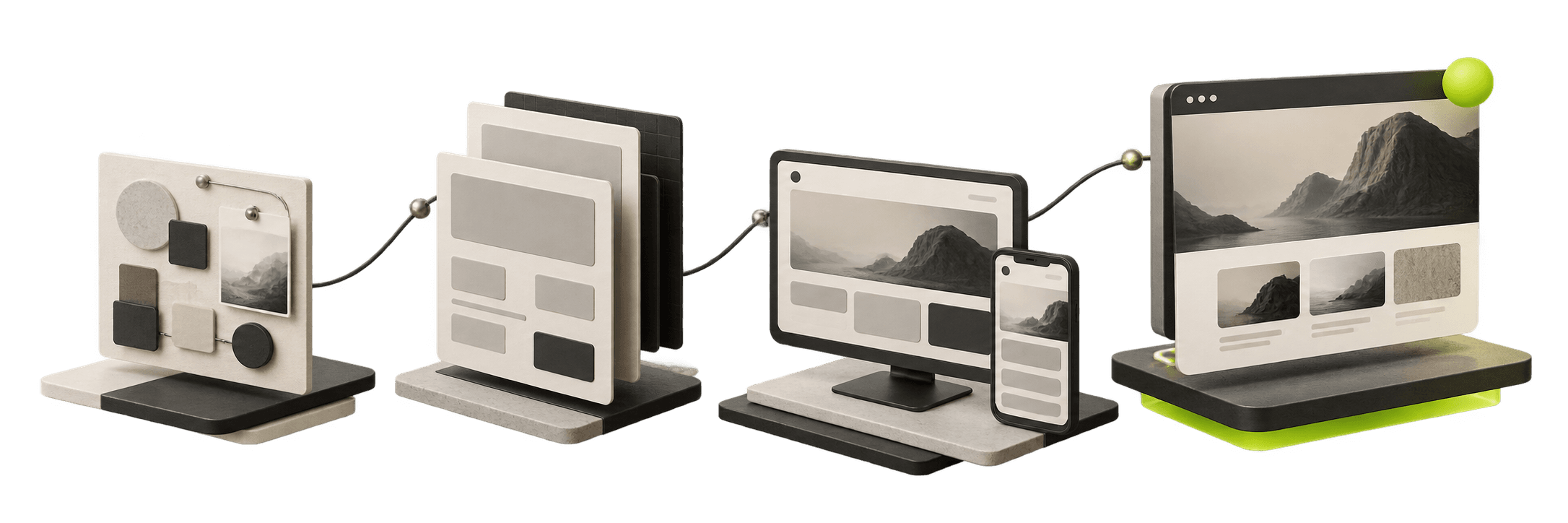
Professional websites with clear service pages and enquiry paths that are easier to follow up.

Abstract illustration of a website layout shown on a desktop screen and a phone.

Website Care

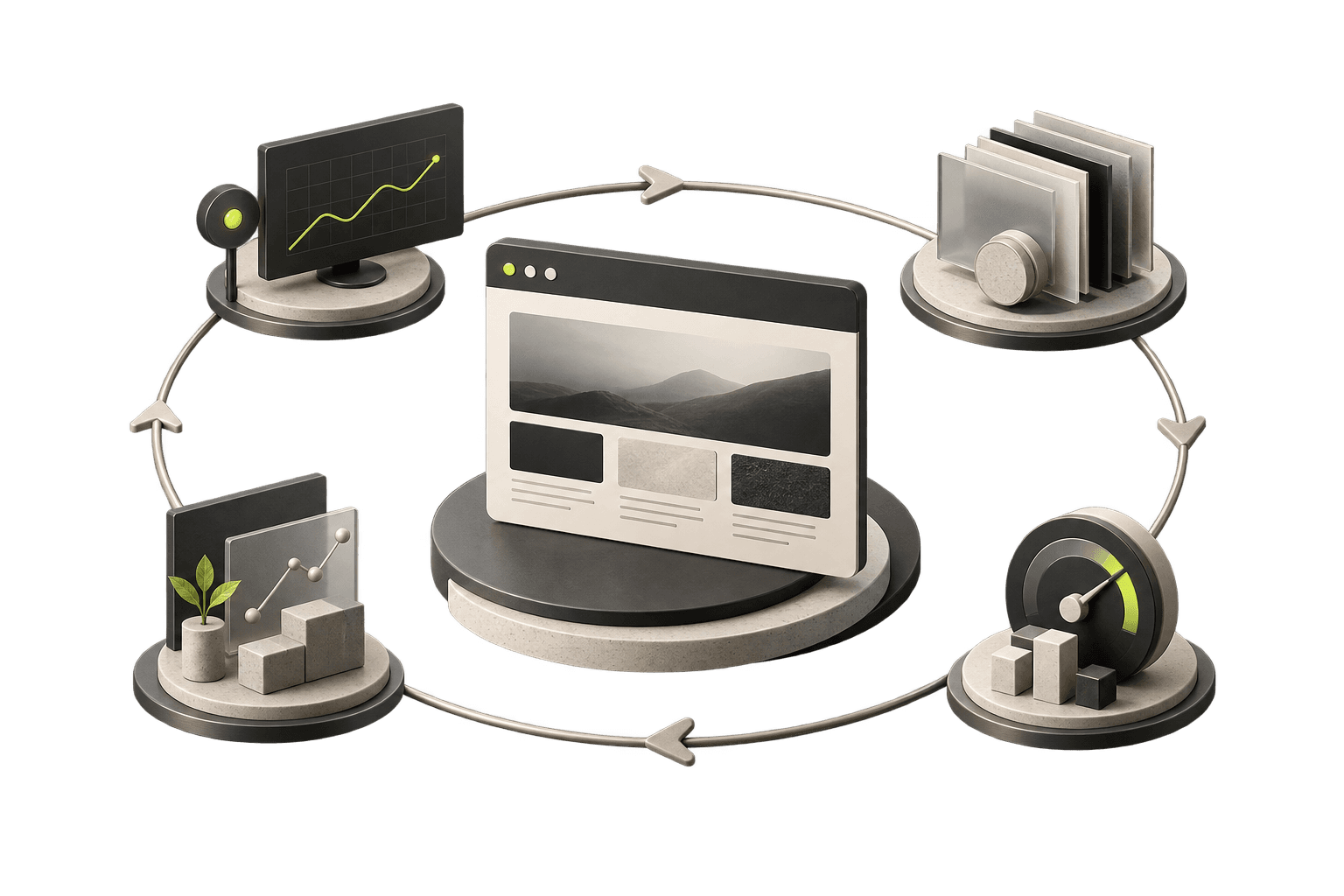
Hosting oversight, updates and agreed changes for the website you rely on.

Abstract illustration of a website at the centre of a continuous care loop.

Why OneOfZero

How we work.

About OneOfZero
  1. One accountable New Zealand team

    One point of contact for the whole plan.

  2. Evidence before management

    We review your Microsoft 365 before we manage it.

  3. Scope and price agreed in writing

    Nothing starts until you agree in writing.

  4. Written authorisation before tenant access

    Nothing changes in your tenant without it.

Common questions.

View all questions
What happens on the Fit Call?

It is a free 30-minute call with a person. The call confirms your business requirements, Microsoft 365 user count, current licences, backup arrangements, devices, existing IT-provider relationship and which OneOfZero service may suit you. No tenant access, audit or technical assessment takes place during the Fit Call.

How much do the plans cost?

Pricing depends on your users, devices, licence commitment and support requirements. We confirm it in writing after the Fit Call, before you agree to anything.

Will you need access to our Microsoft 365?

Not for the Fit Call or the Readiness Check. A Resilience Review or managed plan needs access to your tenant, and written authorisation is required before any tenant access.

What is included in ongoing support?

It depends on your plan. Essentials covers licence administration, limited user onboarding and offboarding, and standard Microsoft escalation assistance. Secure & Recover adds fair-use Microsoft 365 support and quarterly service reviews. Managed Workplace adds device enrolment, broader fair-use remote IT support, prioritised support within the service terms agreed in writing, and a quarterly technology review. Support covers reasonable day-to-day requests within your plan. Fair-use limits, service boundaries and response expectations are set out in your agreement. Support is not unlimited.

No pressure and no obligation. No tenant access, audit or technical assessment takes place during the Fit Call.